Free FL Studio Tutorials - Fruity Loops Training (14 flash tutorials) - Coyotus
Main menu:
- Home
-
Computer music
- Sequencers
- Tutorials
- Audio editors
- VST plugins
- Directories
- Free Samples
- Kits
- Loops
- FX
- BD-PERCU
- Vocal
- Slayer programs
- More samples
- KICKS - BD
- Shareware
- Clap loops
- Castanets
- Baya fx percussions
- BD Breakcs
- BD-Snare (FX loops)
- Bongo FX loops
- Breaks drum loops
- FX
- Hardcore 2
- Hardcore 3
- Kicks Breaks (loops)
- Percussions
- Tom Fx Loops
- Various fx percussion
- Vocals Delay
-
Photos
- License
- Animal
- Ecards
- Nature
- Other
-
Textures-Wallp.
- Big
- Colored
- Metal
- Mosaic
- Paint
-
Walls
- Stone Walls
- Glass Bricks
- light-blue
- light-brown
- light-green
- purple
- walls
- walls 2
- walls 3
- Brick wall
- Art concrete wall
- Concrete Wall 7
- Concrete Wall 6
- Concrete Wall 5
- Concrete Wall 4
- Concrete Wall 3
- Concrete Wall 2
- Concrete Wall
- Cracked wall
- Drawing on wall
- Mosaic on wall
- Original.w.text.
- Various Walls
- Plant
- Wood
- Other
- Our photo blogs
- Trees
- Sound Library
- Help - Contact
- Links
- Video Loops
Reminder : It is always either right click or a left click, and sometimes a double click, it usually a right click for drop down menus
Click on the buttons to start reading the tutorials and then wait for the page is loaded,these are flash tutorials
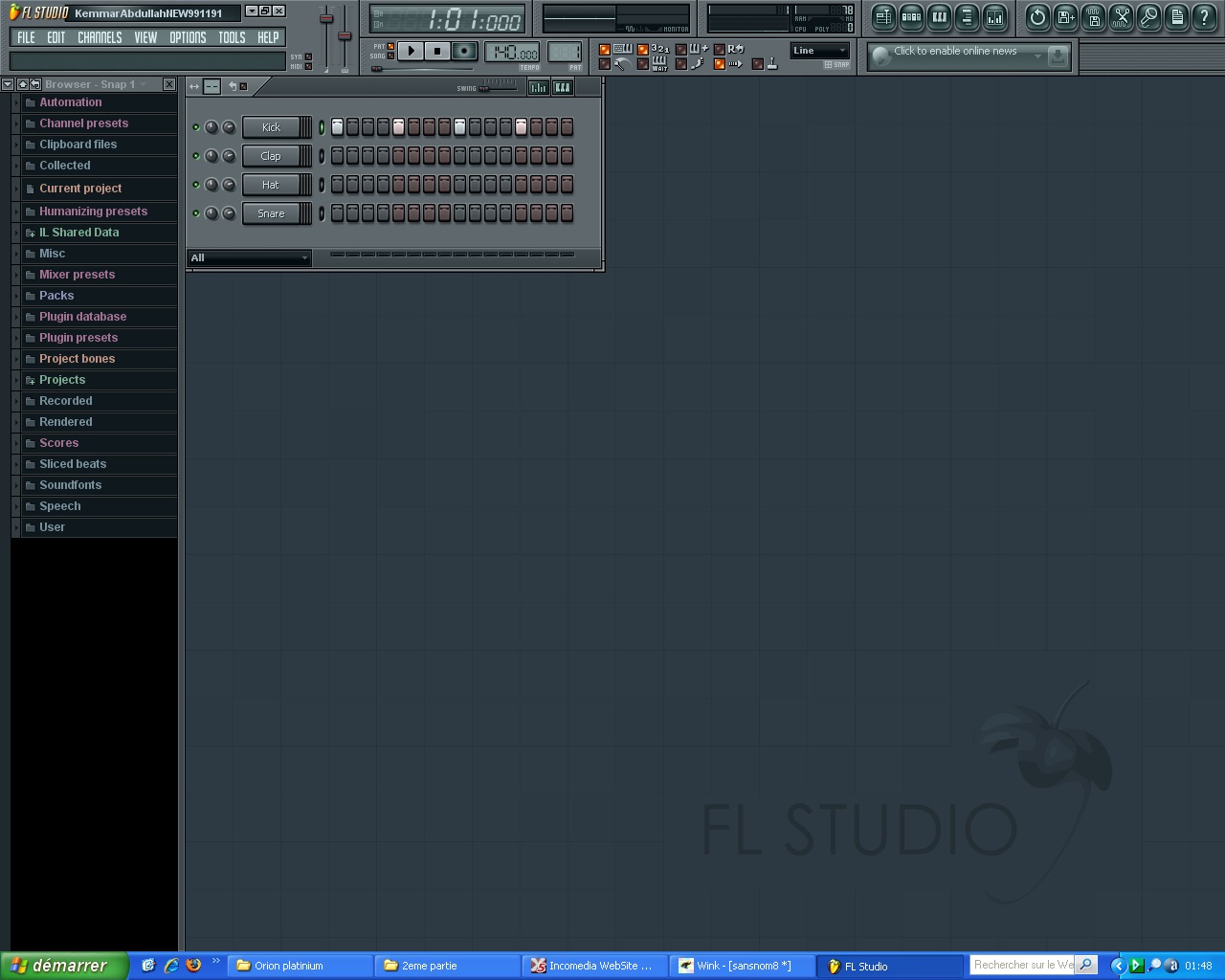 Learn how to start working on fruity loops in just five minutes
This tutorial teaches you how to work directly on fruity loops, just follow the movements of the mouse
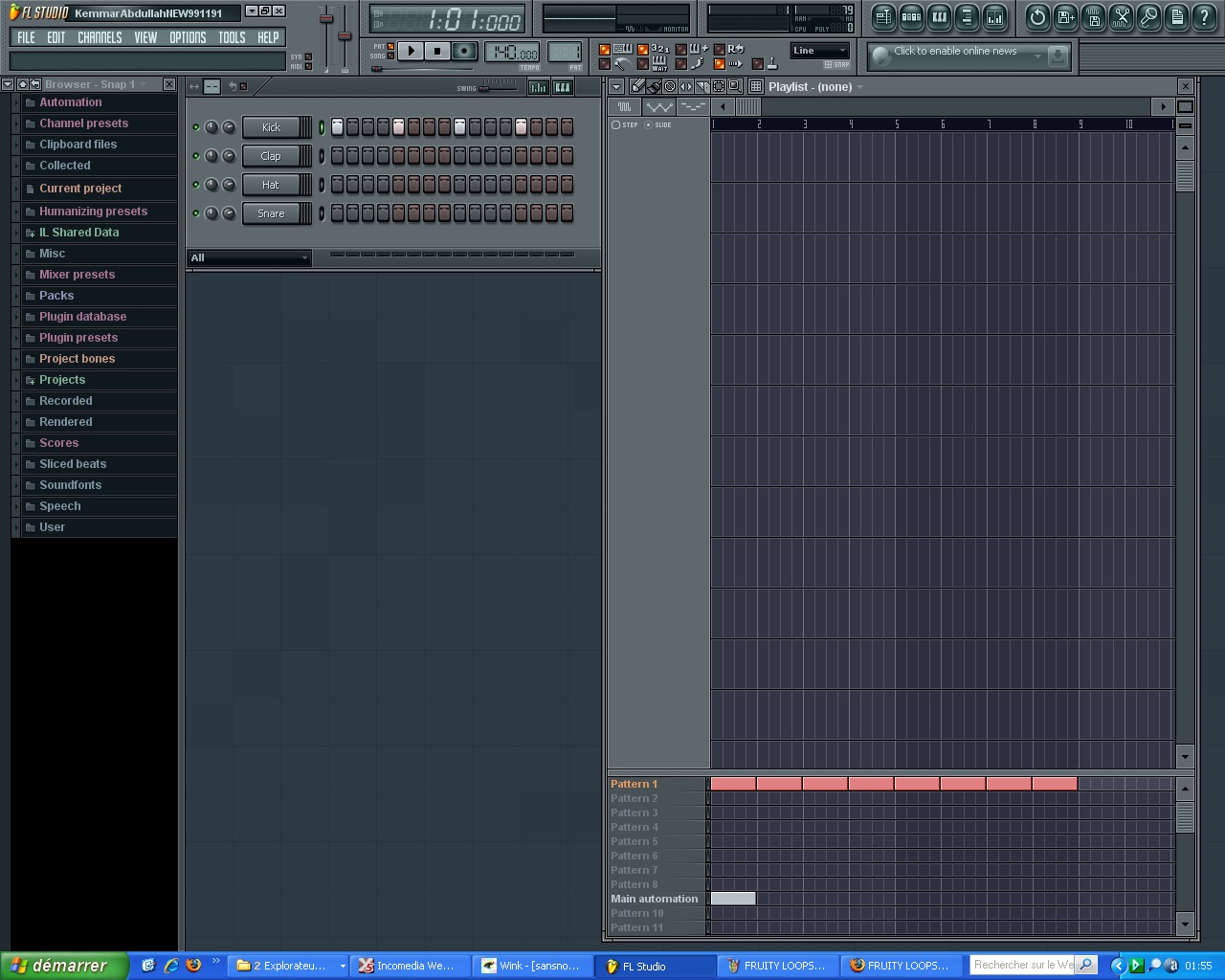 Here I show where it will assemble and edit your song, after creating melodies and lines of batteries it will assemble them in the playlist (please be patient loading the video, it may take some time)
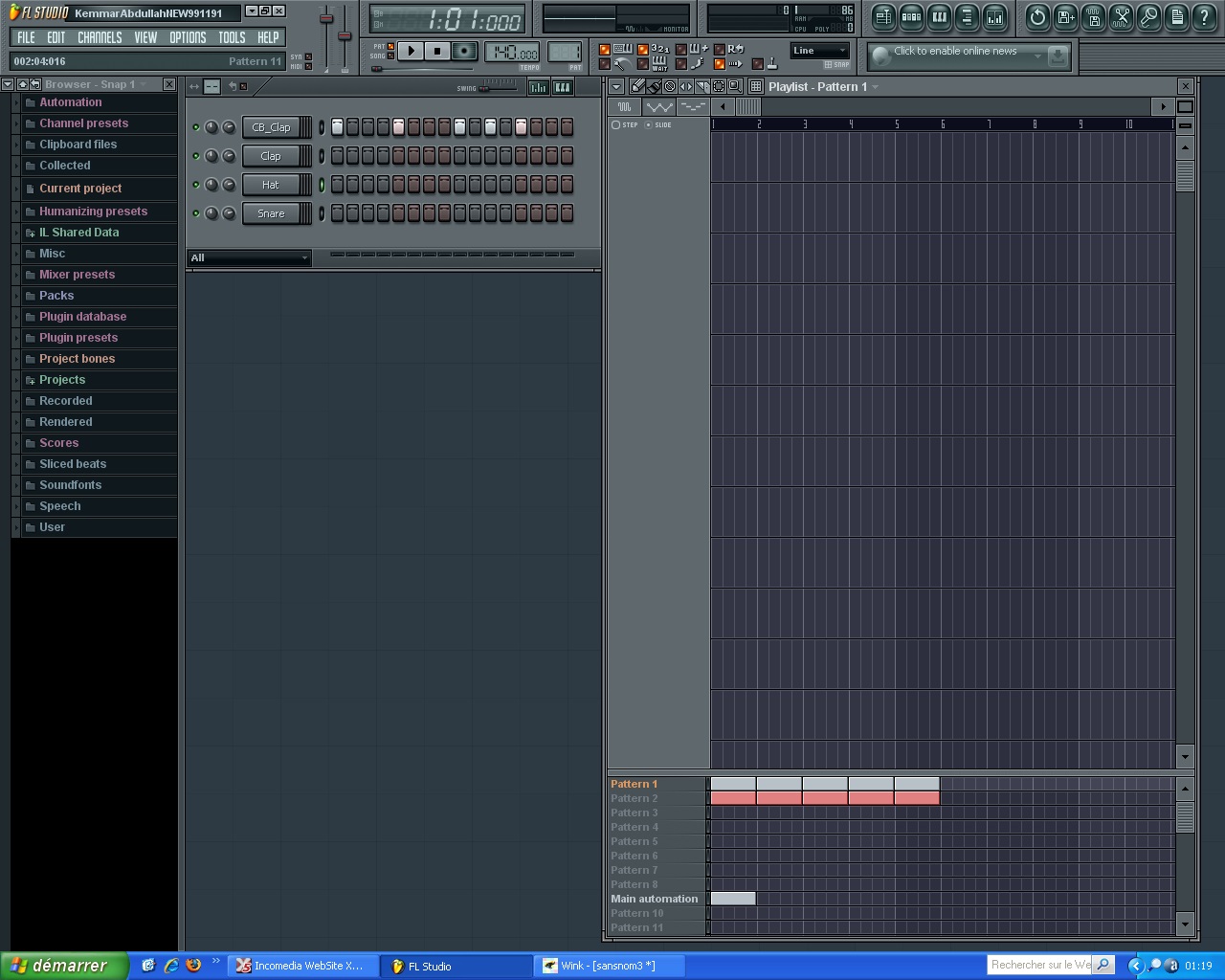 Here you can see how to allocate place to each instrument in the playlist
(please be patient for loading the video)
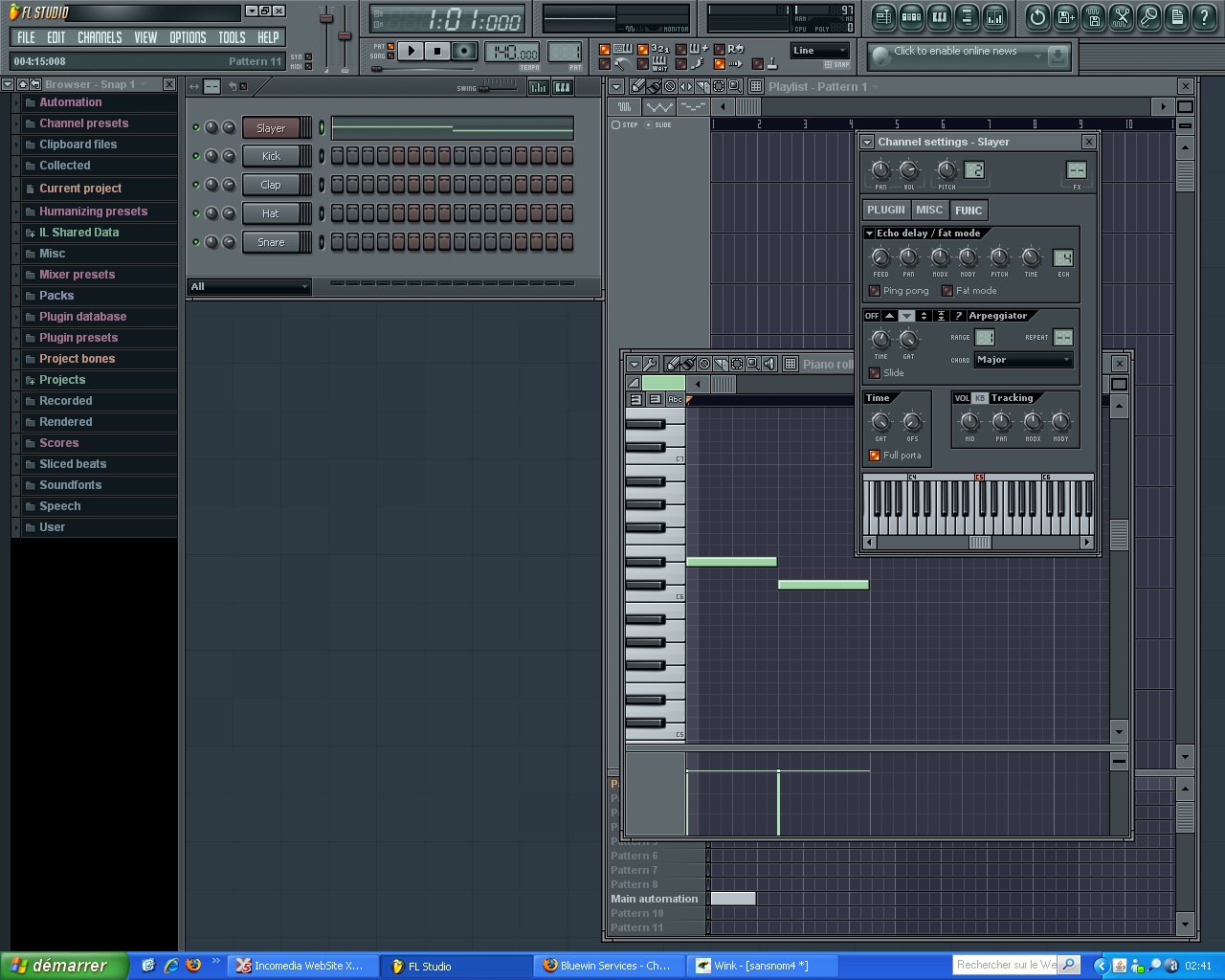 This tutorial will teach you how to use the arpeggiator
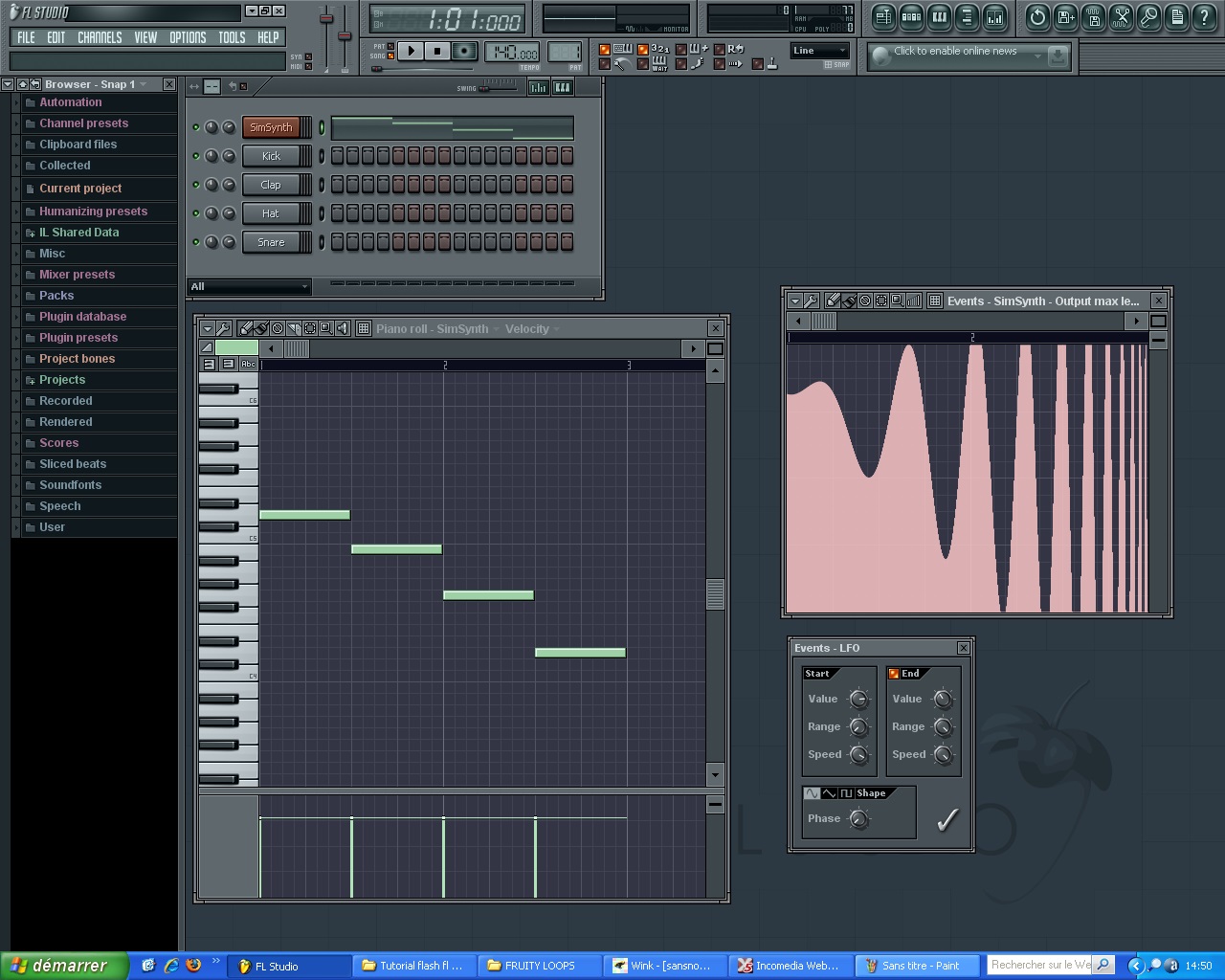 Learn how to automate the various controls and settings of your virtual instruments, just be patient for loading
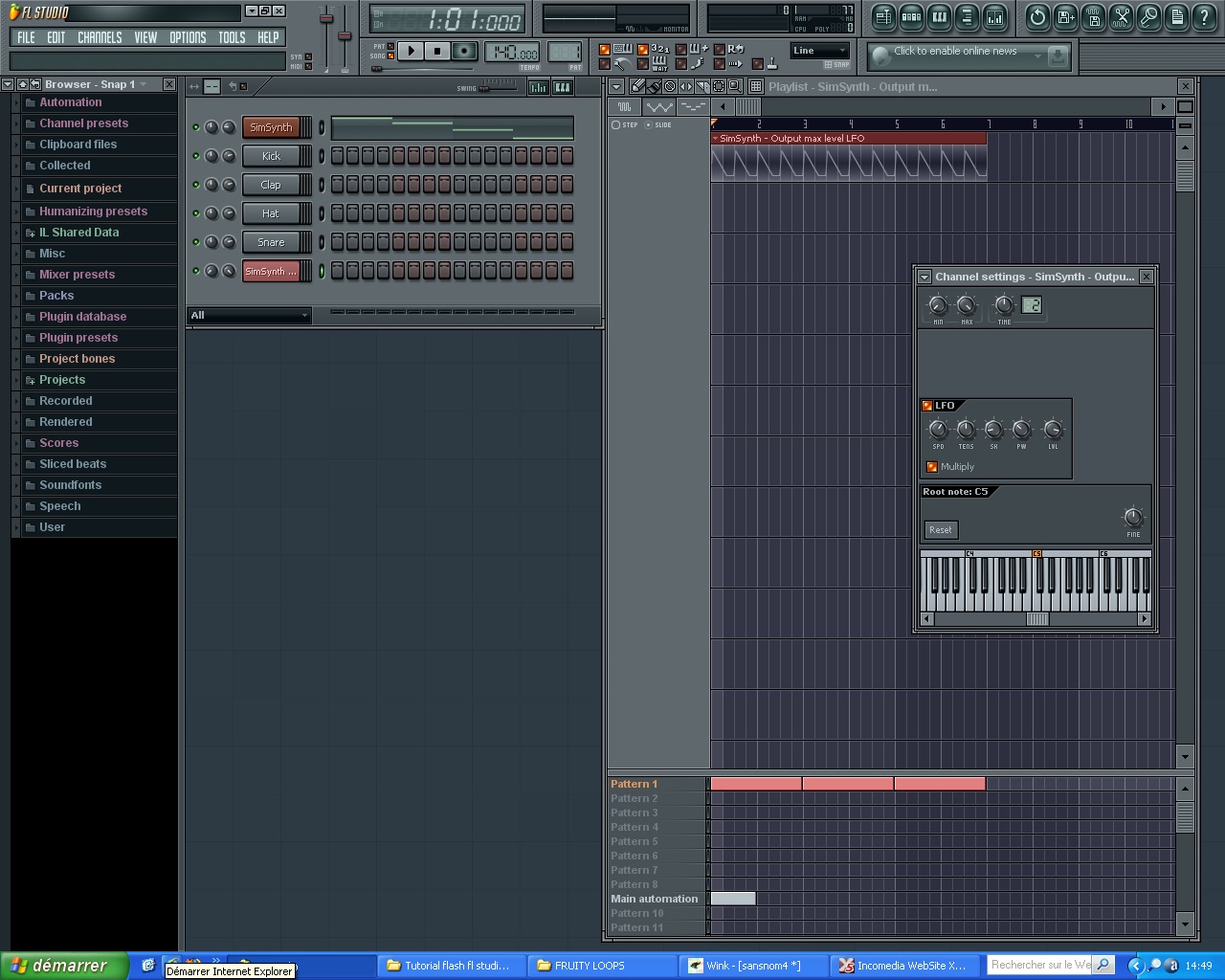 This tutorial will teach you how to create automations in the playlist, test by yourself, it's very interesting
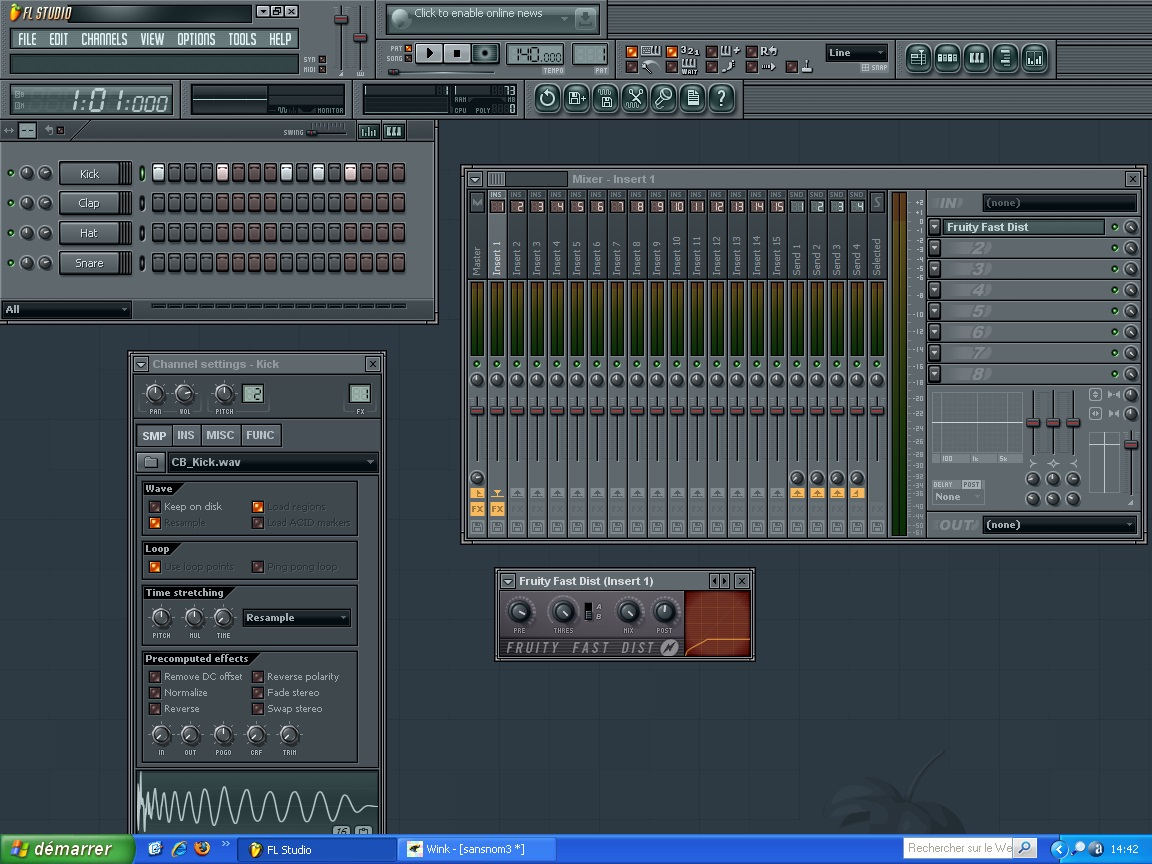 Watch this tutorial to see how to add effects to your music in a few clicks

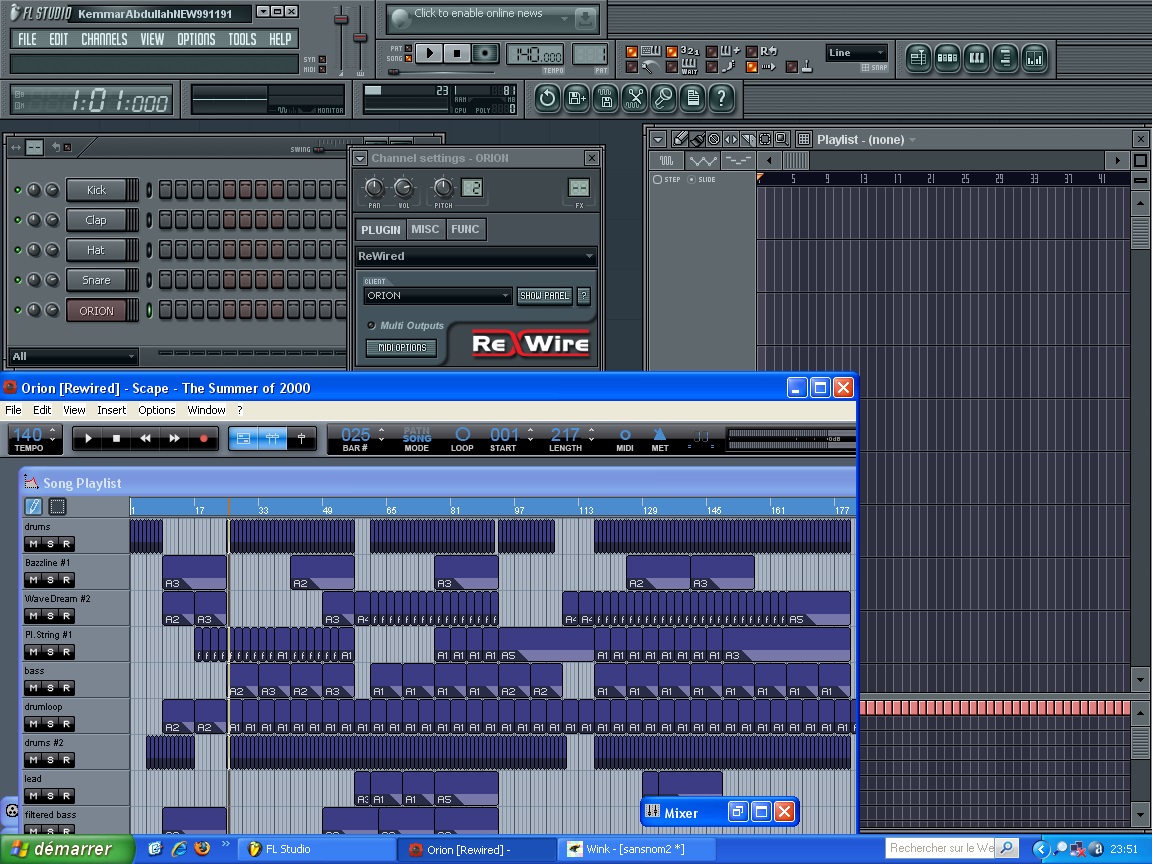 Connect 2 virtual studios (home studios) together via rewire mode
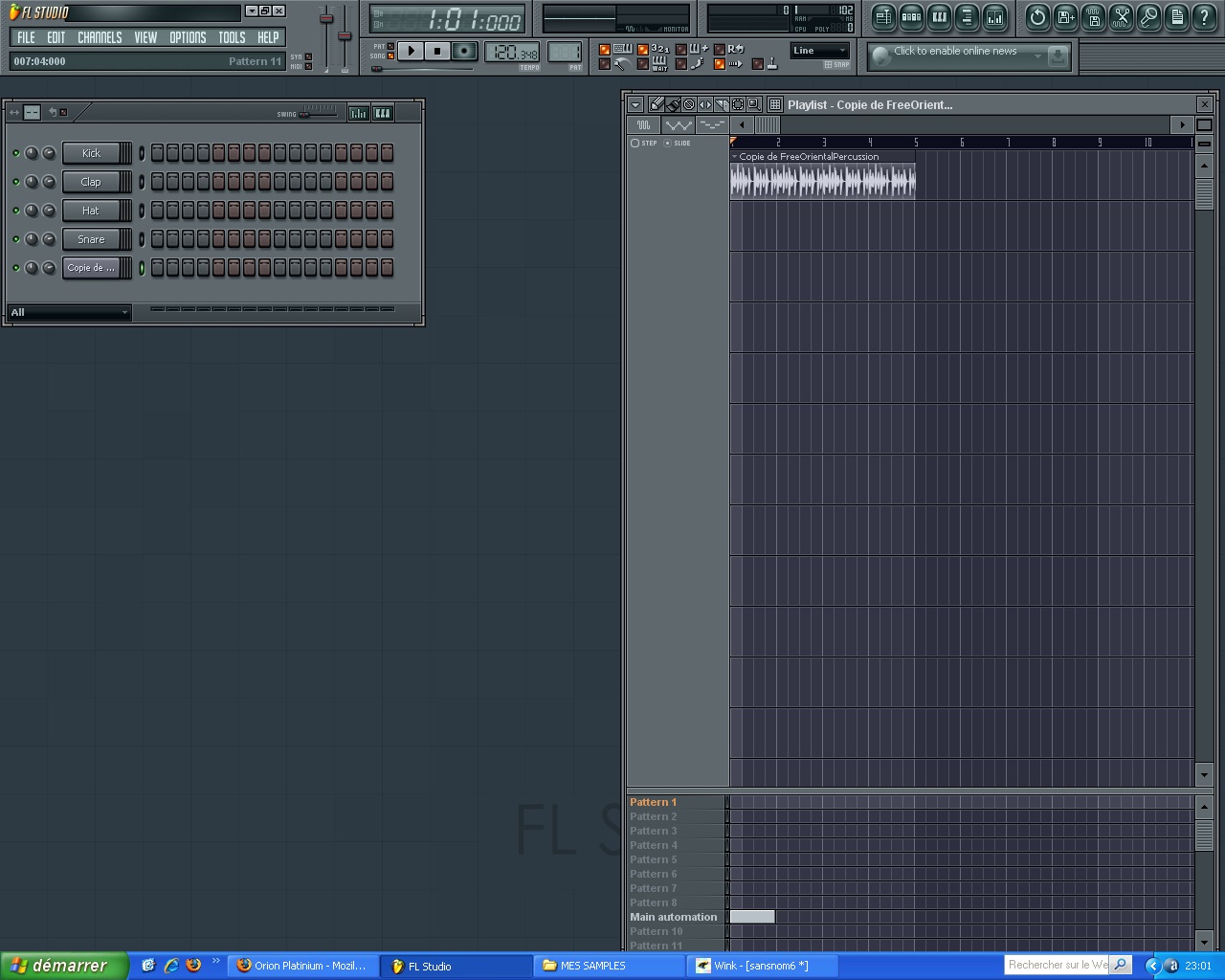 This tutorial teaches you how to work with audio loops fruity loops
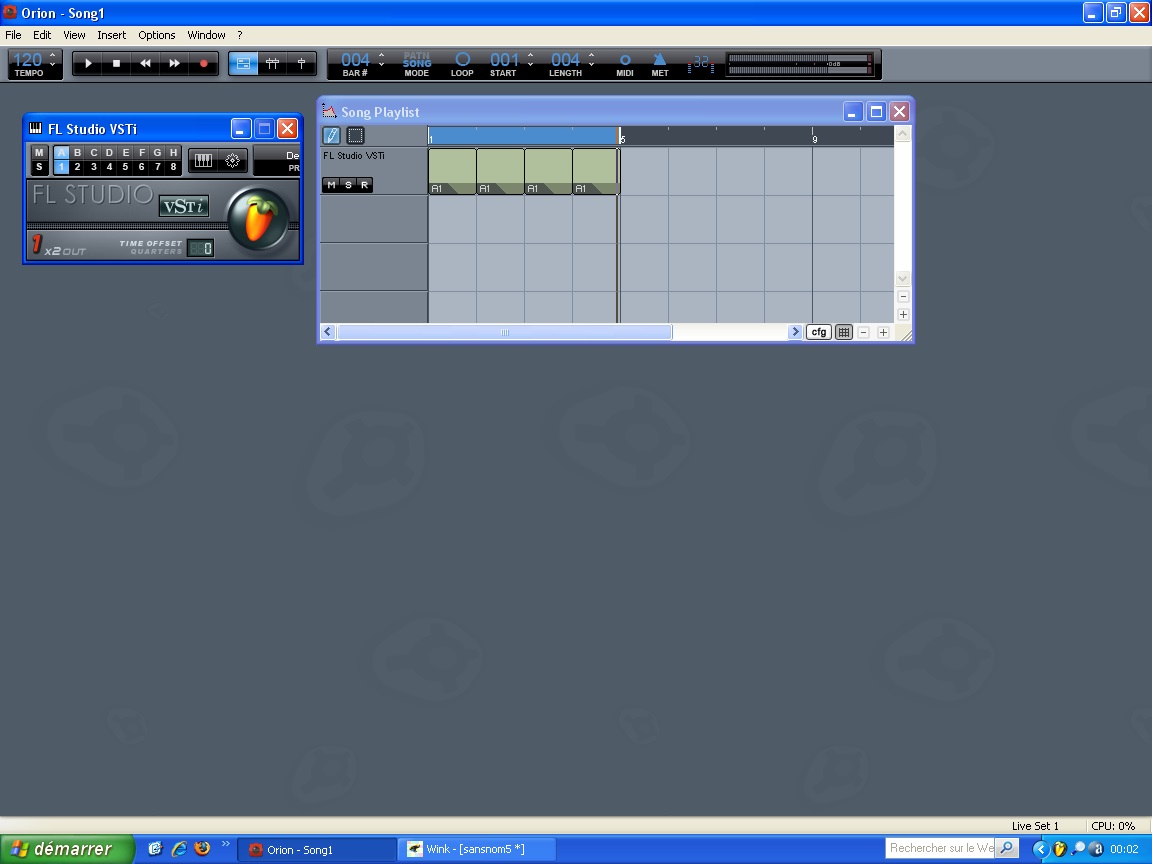 Did you? FL Studio can be used as a vst instrument in another virtual studio
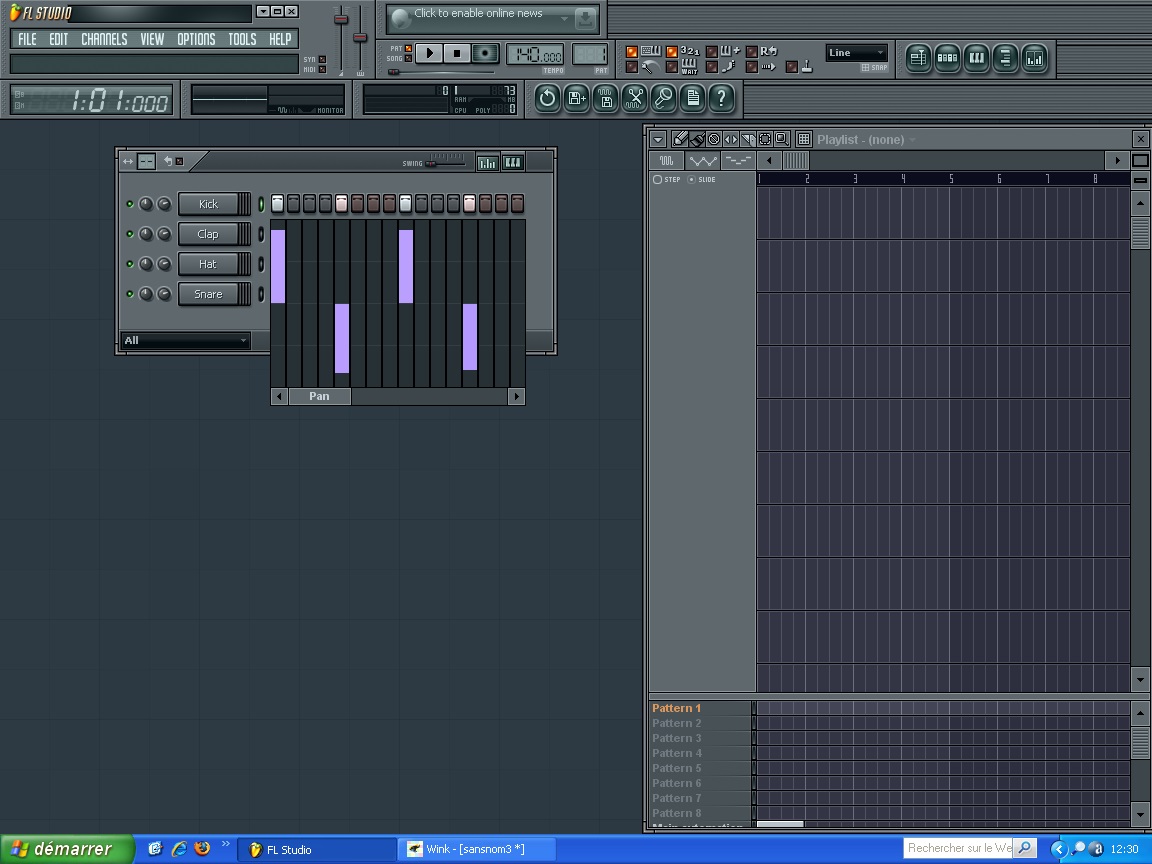 Use the graphics editor to give a special appearance to your drum patternscliquez sur l'image pour visionner le tutorial
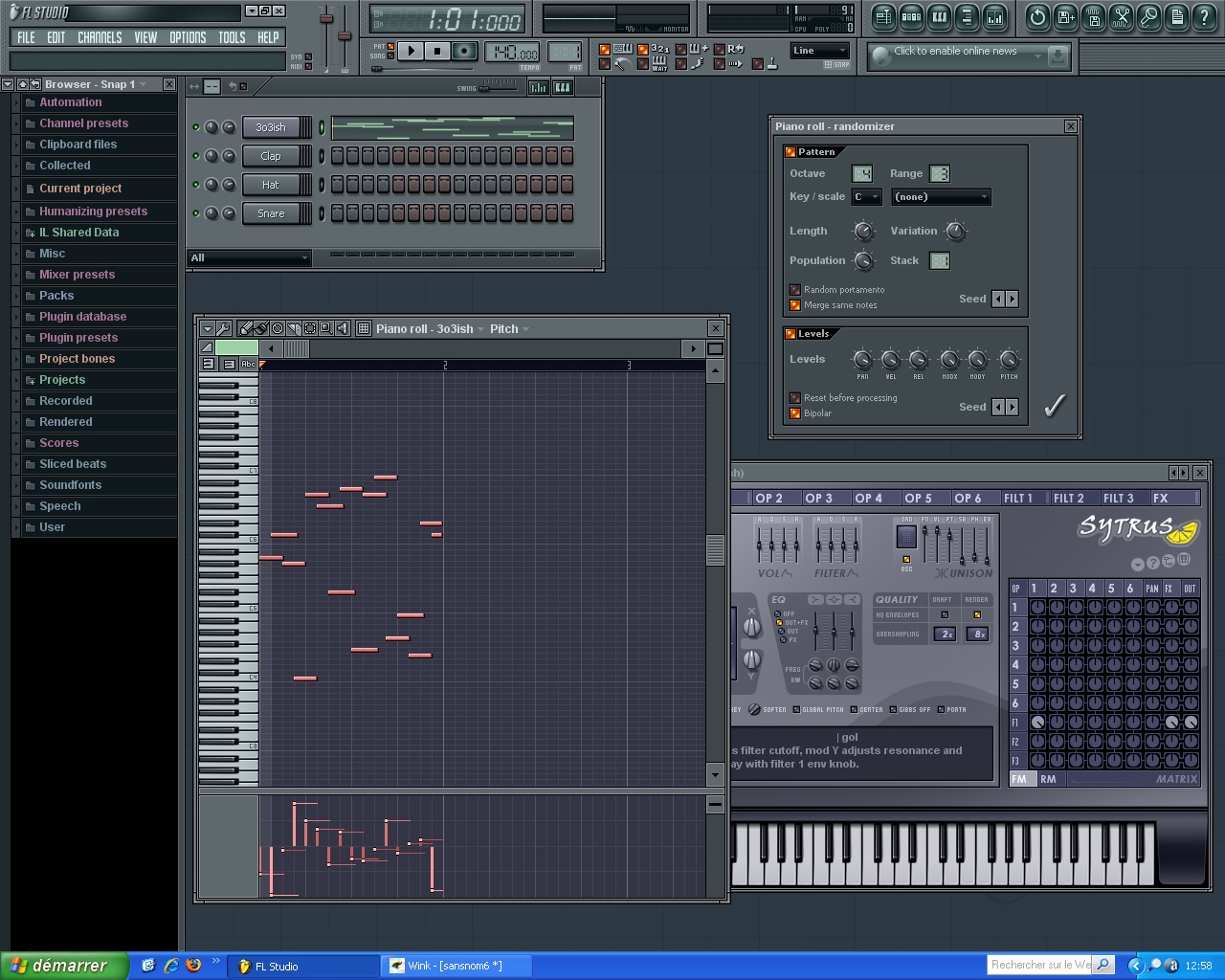 Use the "random" to create melodies when you're not inspired
cliquez sur l'image pour visionner le tutorial
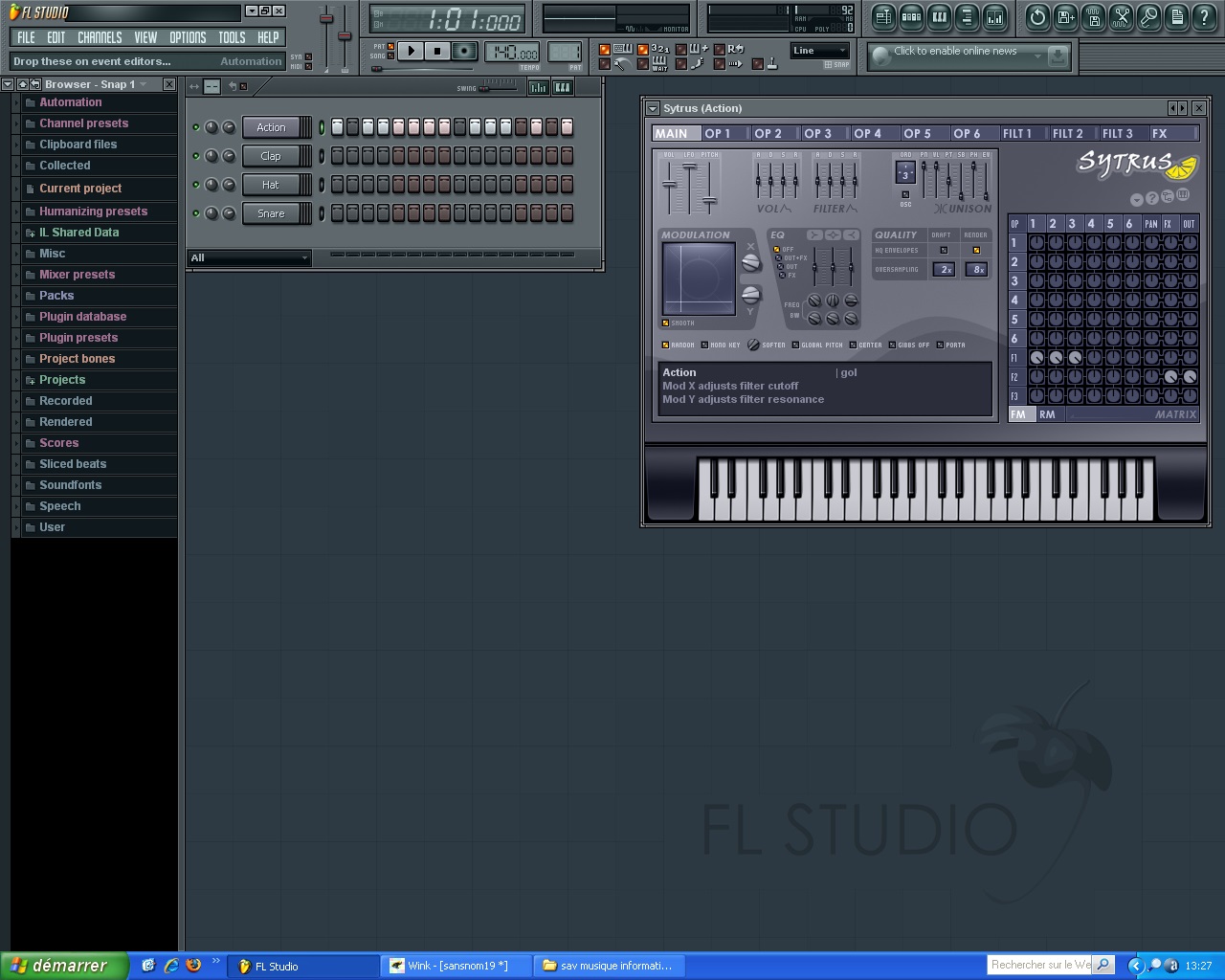 It is also possible to use the random mode in the pattern
cliquez sur l'image pour visionner le tutorial
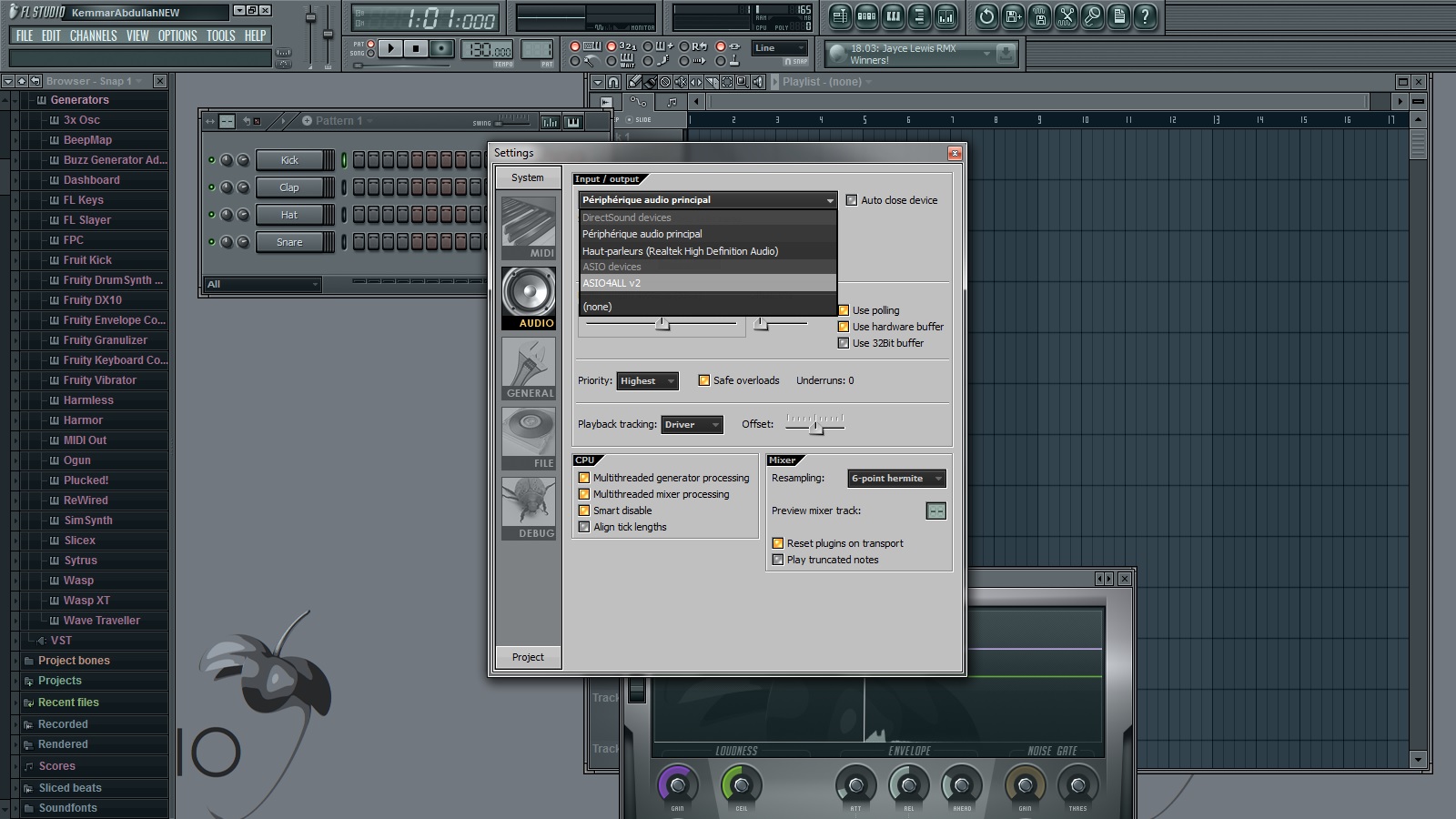 Watch this tutorial to see which set the audio preferences